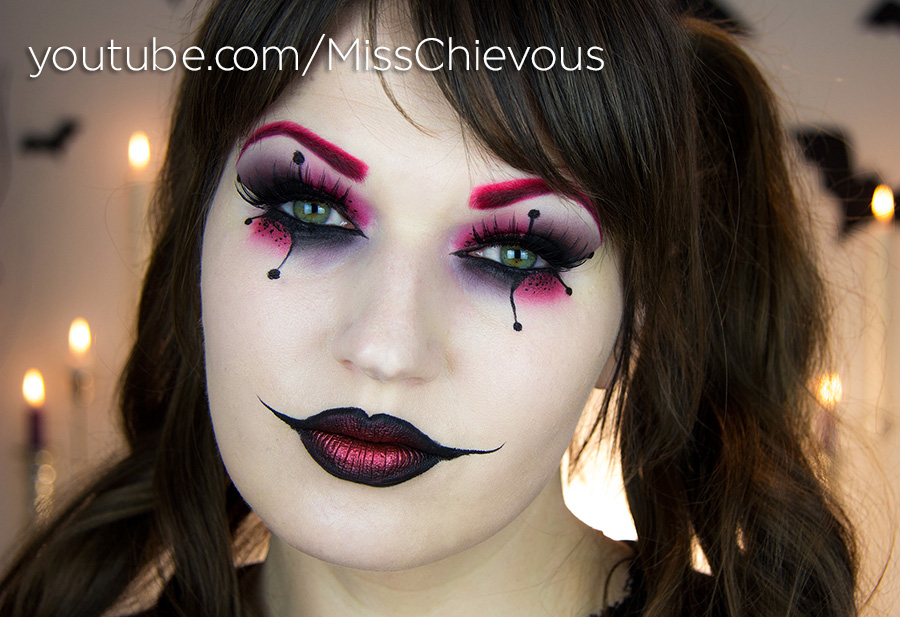
Stop!!! It's ZOMBIE TIME!!!
In my over 30 Halloween videos that I've made to date, I've never done a zombie! It was time to change that, and I took inspiration from the TV show "The Walking Dead" here. I wanted to create a zombie without all the expensive, technical and time consuming special effects with open wounds and peeling off skin, since most of my viewers probably won't be able to recreate this type of stuff anyway. Plus, special effects ingredients can be really hard to find, and are expensive! So for this you will only need 2, maybe 3 special things which aren't too expensive and easy to find at Halloween or costume stores now.
Products used:
White Clown cream facepaint, Kryolan Rainbow Circle "Black Eyes" Body Makeup, Kryolan eyeshadow in a burgundy color, Illamasqua Obsidian eyeshadow, Ben Nye Gray eyeshadow, Ben Nye Cherry Red eyeshadow, MakeupGeek Gel Liner in Poison, Kryolan Film Blood, Ebelin "Beauty Blender" sponge dupe, Manhattan Supersize Mascara, Skindinavia makeup setting spray
Nailpolish I'm wearing:
Manhattan - Ma Marals #16
Just as an aside note, what the hell is with the Blogger picture uploader? Look at the ridiculous filter it added to my original image (same as above). It doesn't even
look the same! (The one on the top I just linked from Facebook). It looks so washed out!! Anyone know if this is a new thing with Blogger? I've never seen such a huge difference before. Any help would be useful!
Update: Thanks for the tip, Eva!!! You have to go into your Google+ Settings, and in the options for Photos, make sure the box for "Auto Enhance images" (or something like that) is NOT checked! Wow, how ridiculous Google!! Thanks for never alerting me to that. That "enhancement" is completely unnecessary. Then your photos should look exactly as they are on your computer.